DaVinci Resolve automation. More room for the edit.
Nomadic Video Automation connects file intake, local processing, transcription, captions, marker suggestions and production records around DaVinci Resolve. Your editor keeps creative control; the supporting steps become more structured.
Configured installation · Resolve-focused · Human review remains essential
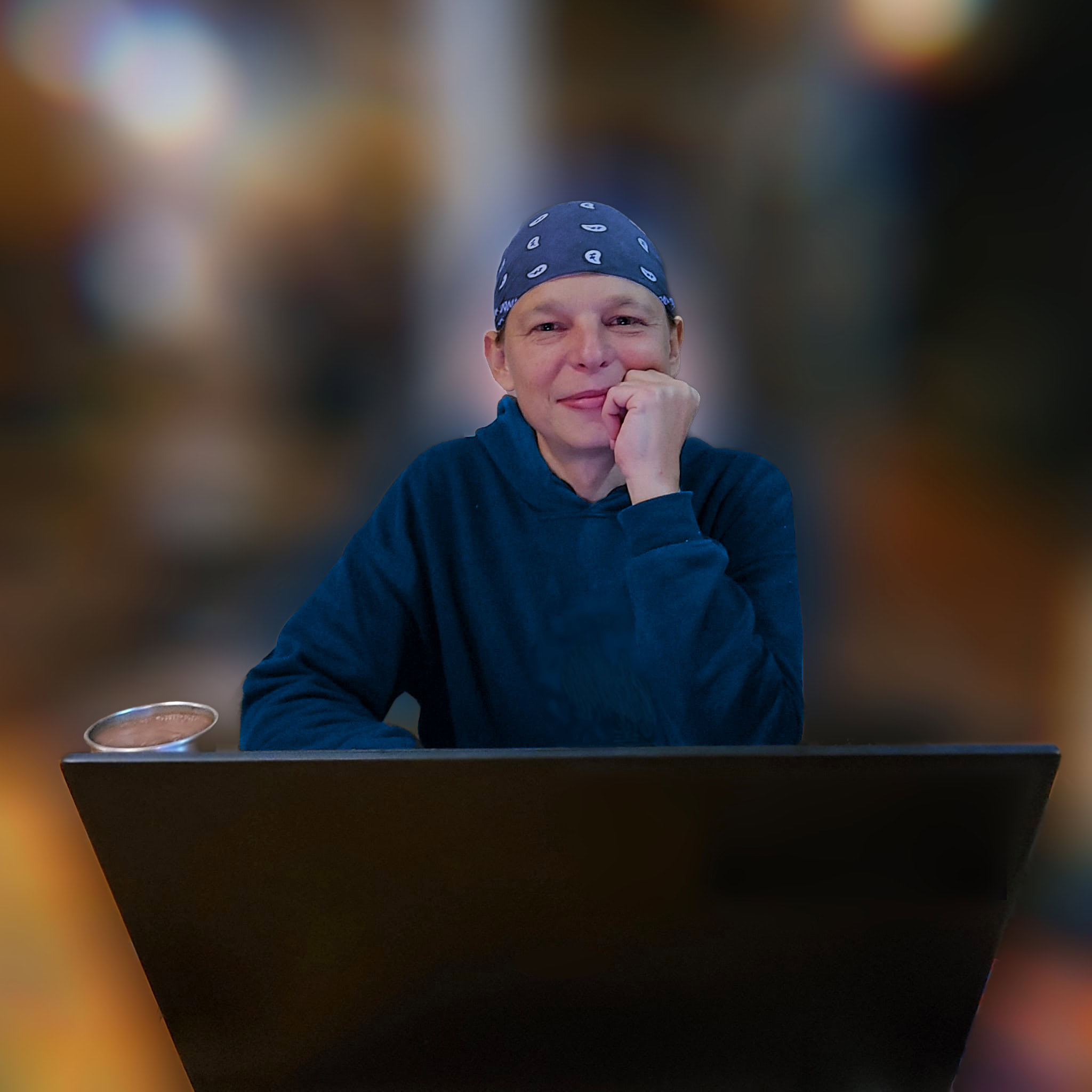
Transparency: the presenter is a synthetic AI avatar of Mario. This is an explainer, not uninterrupted screen footage from a live production run.
The complete production loop
Ten stages describe the intended end-to-end production process. The exact automated steps and human approval gates are agreed for each installation; the system does not make creative decisions.
Production time disappears around the edit.
Source files, transcripts, version notes and output locations can become separate manual jobs. NVA is designed to coordinate the parts that can be documented and repeated.
Before the edit
Organise media, prepare transcripts and captions, pass useful markers into Resolve.
During review
Keep job state, generated notes and human decisions visible.
After delivery
Record output metadata and file locations for the next handover.
What could NVA change in your production?
A more recent English-language presentation of Nomadic Video Automation for people considering a workflow of their own. It complements the system explainer in the hero with a client-oriented perspective.
- See the approach before discussing a custom installation.
- Determine which steps are useful for your actual footage and production volume.
- Keep editorial decisions and approvals under human control.
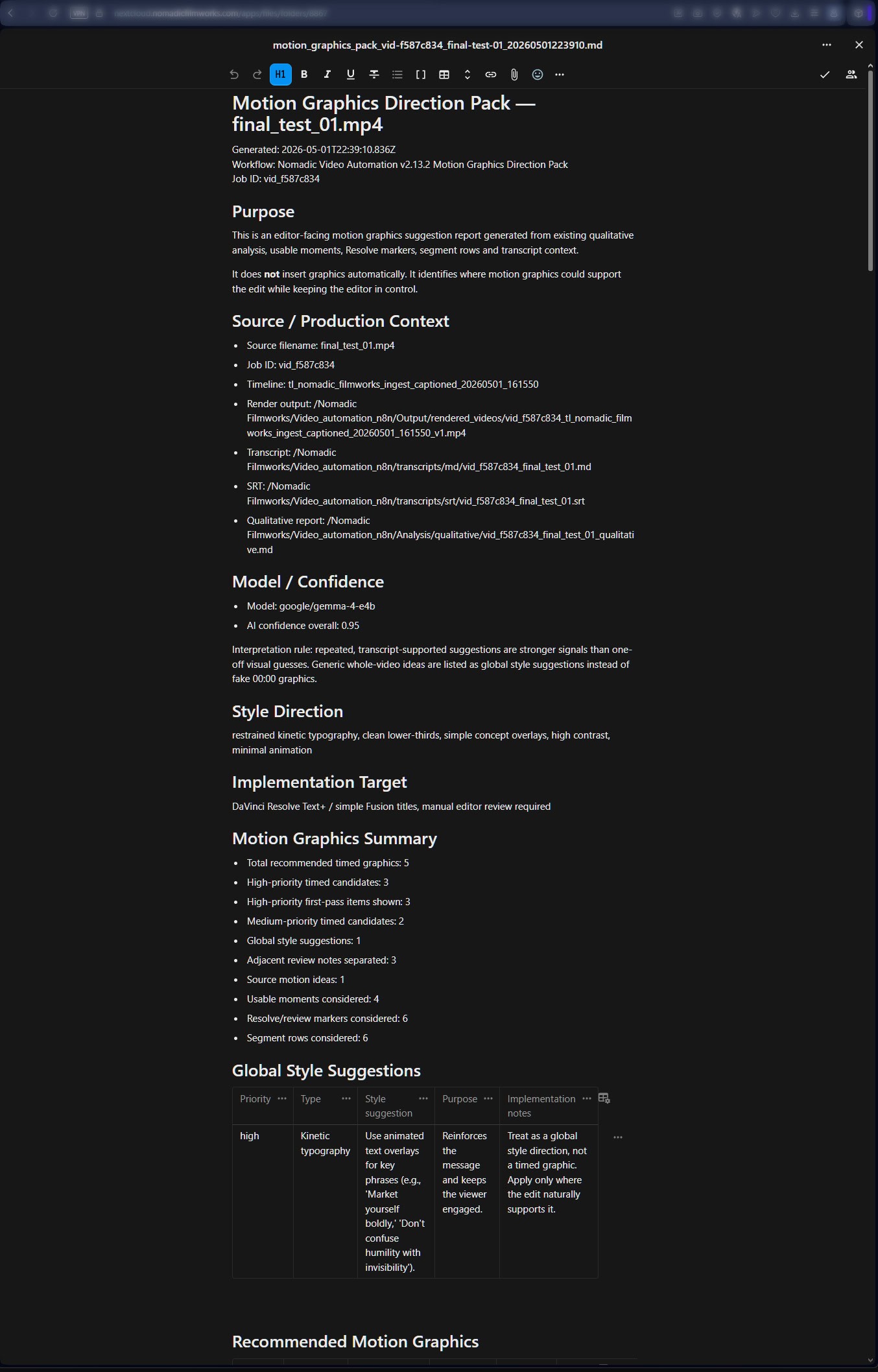
Not a concept slide. Real system outputs.
These captures are documented on the existing NVA project page. They show work on my own automation system, not third-party client KPIs.
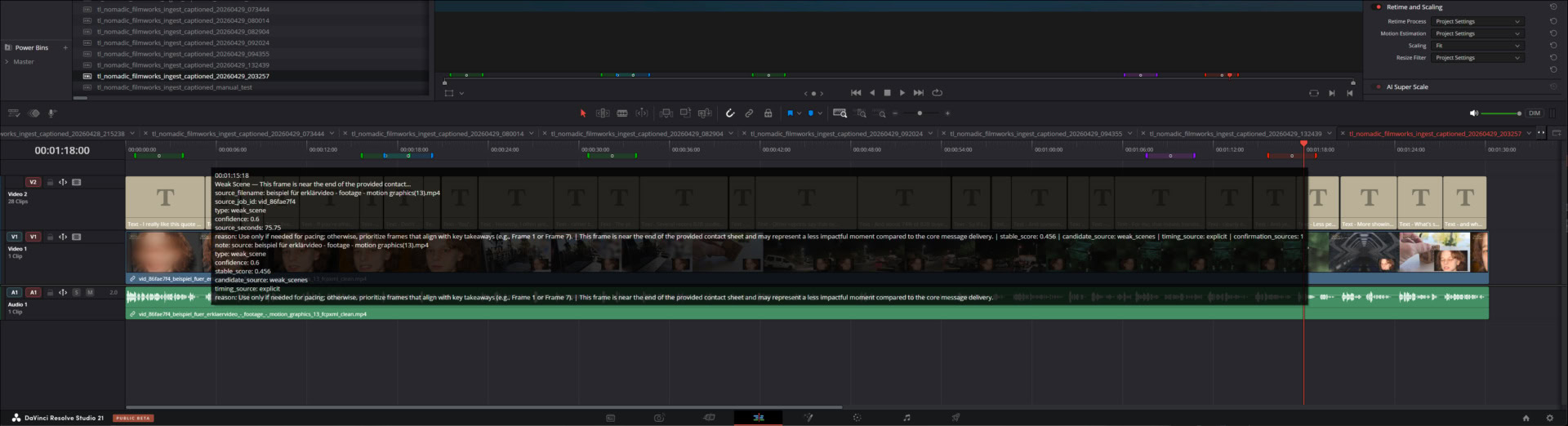
Prepared Resolve timeline
Captions and markers provide a structured start for manual editing.
Open source image ↗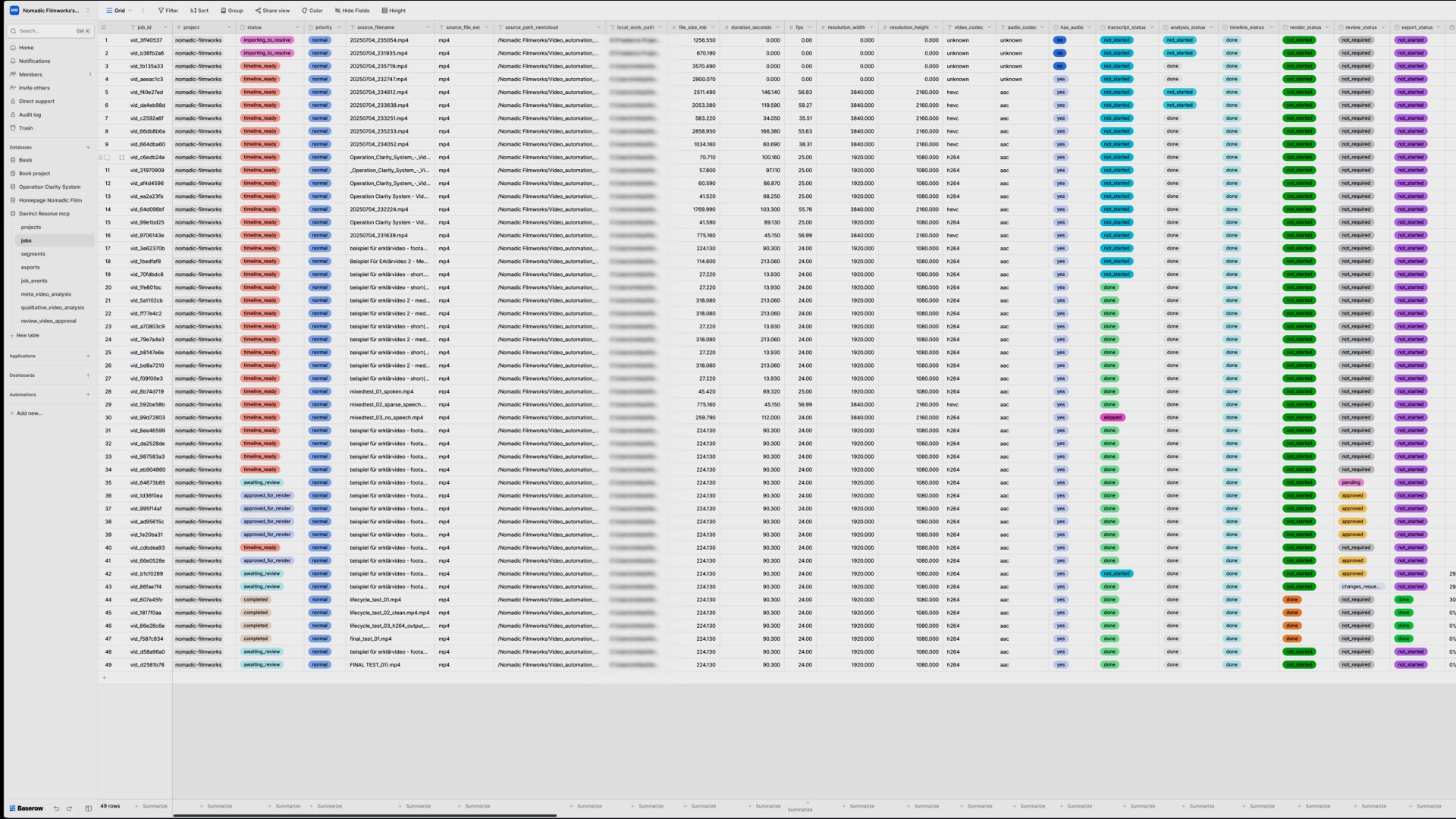
Own projects and documented work. Illustrations and own studies are labelled separately from client work.
A connected production path
Illustrative process, not an automatic promise of results.
Start with a working core, then extend.
The core implementation is assessed around your hardware, footage and production routines. It is not a one-click ZIP package.
Core setup
Nextcloud input/output structure, n8n job orchestration, Baserow status, worker installation, Resolve handoff and tested documentation.
Optional extensions
Render coordination, review gates, archive lifecycle, additional reports and language-specific caption preparation where feasible.
Handover
Configuration notes, test run with actual footage and defined support responsibilities.
Scope & limits
Not an autonomous editor
Story, rhythm, client context and final sign-off stay human.
DaVinci Resolve first
Deep integration is currently offered for Resolve; another NLE is not implicitly supported.
Infrastructure is contextual
Local GPU, storage, access control and deployment have to be assessed before a reliable quote.
Documentation remains part of the result
Creative direction
Reviewable structure and editing suggestions.
Audio QC
Loudness, silence and technical review context.
Motion graphics
Notes on where graphics may clarify the edit.
Export and archive
Job state, output paths and handover records.
Compatibility and operating requirements
The full offer is for DaVinci Resolve workflows, not Premiere Pro or Final Cut Pro. Resolve Studio, available hardware and scripting access are assessed before installation. Local workers, file paths, credentials and server services require setup and a test with real footage. Ongoing maintenance is separate from the agreed initial stabilisation period.
Questions before starting
Does it replace an editor?
No. It prepares material and review context; it does not make the final editorial decisions.
Is it offered as a download?
Not as a complete plug-and-play product. The local worker and infrastructure require configuration and testing.
Can I buy only the n8n or server part?
Yes. Workflow development and privacy-first server setups are available as separately scoped services.
Start with your actual production workflow.
Tell me how you use DaVinci Resolve, where your process loses time and what you want to improve. I will review the technical fit before proposing an implementation.
After the first contact, a focused 30-minute call can clarify your setup and a realistic scope.
Prefer email? office@nomadicfilmworks.com
Workflow assessment
Only name and email are required. Technical answers are optional but help me make an informed assessment.